
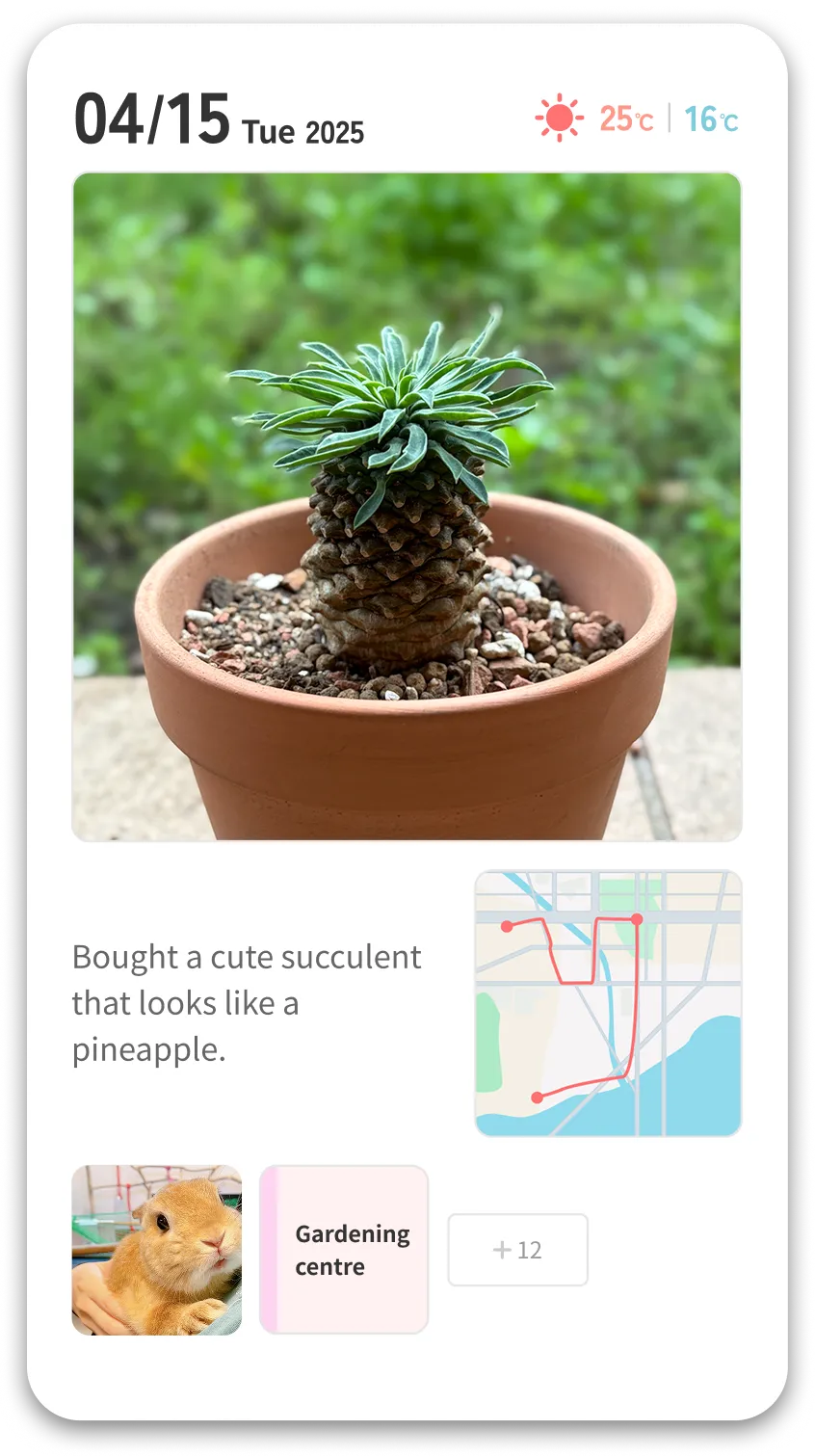
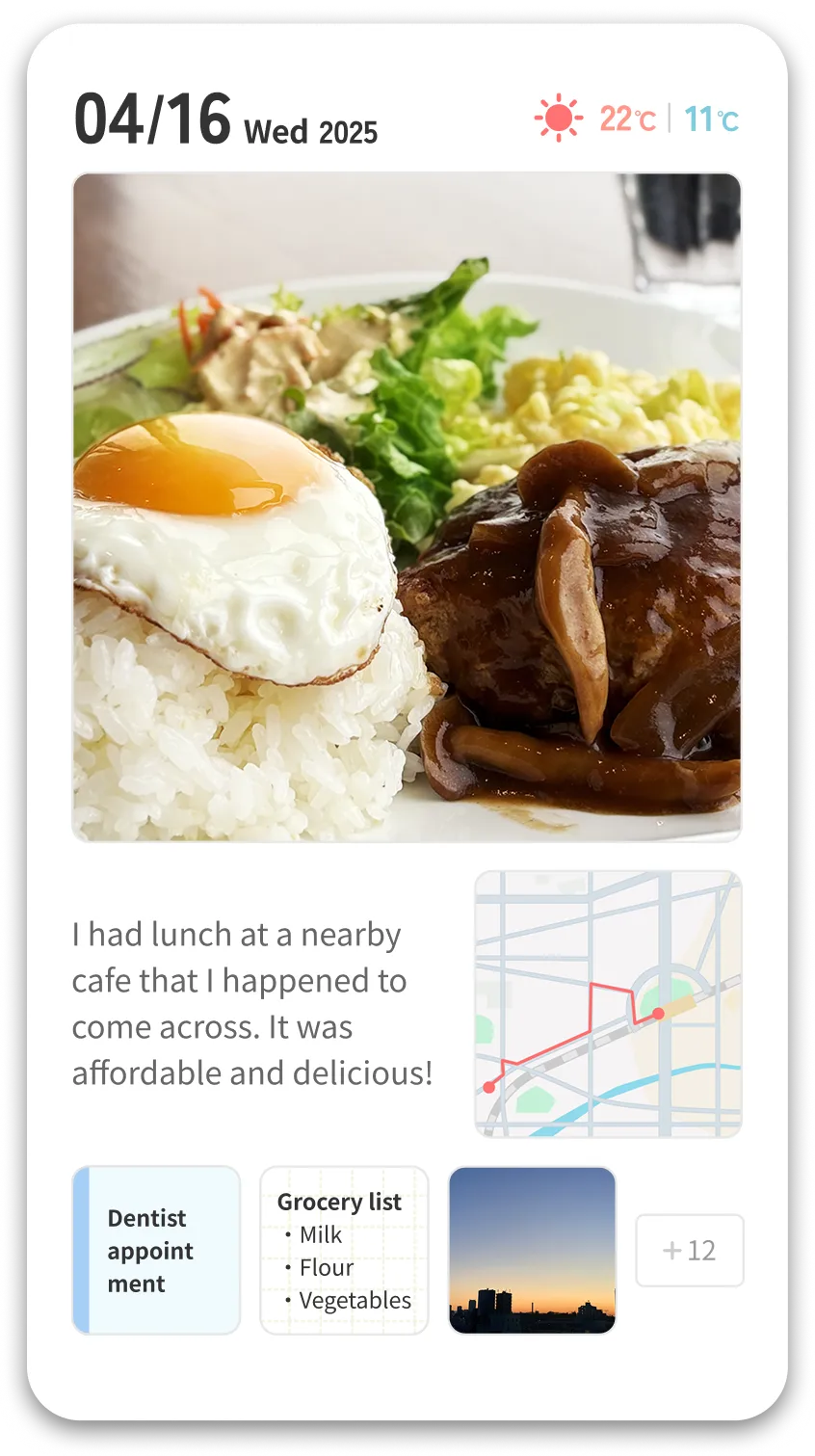
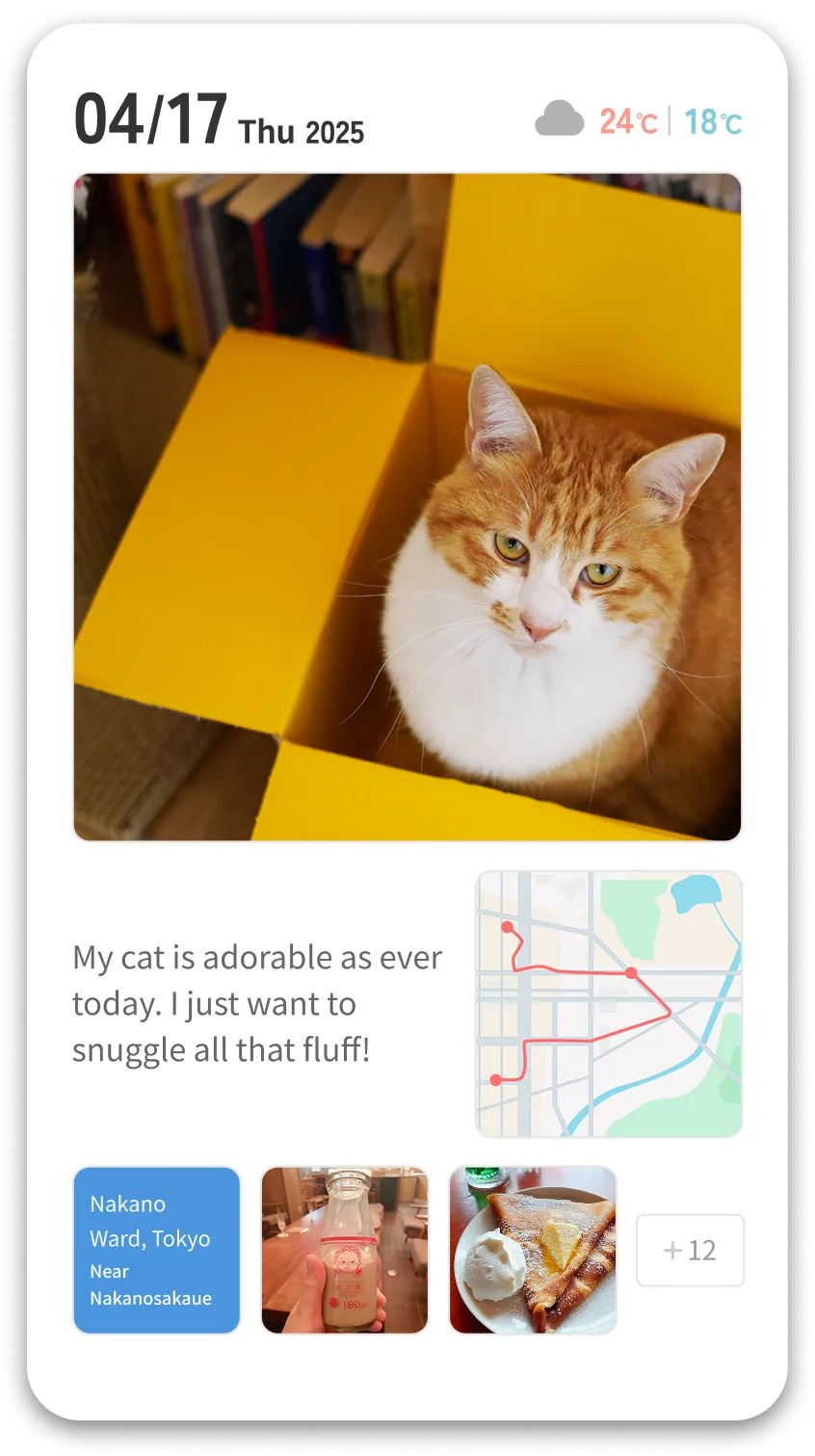
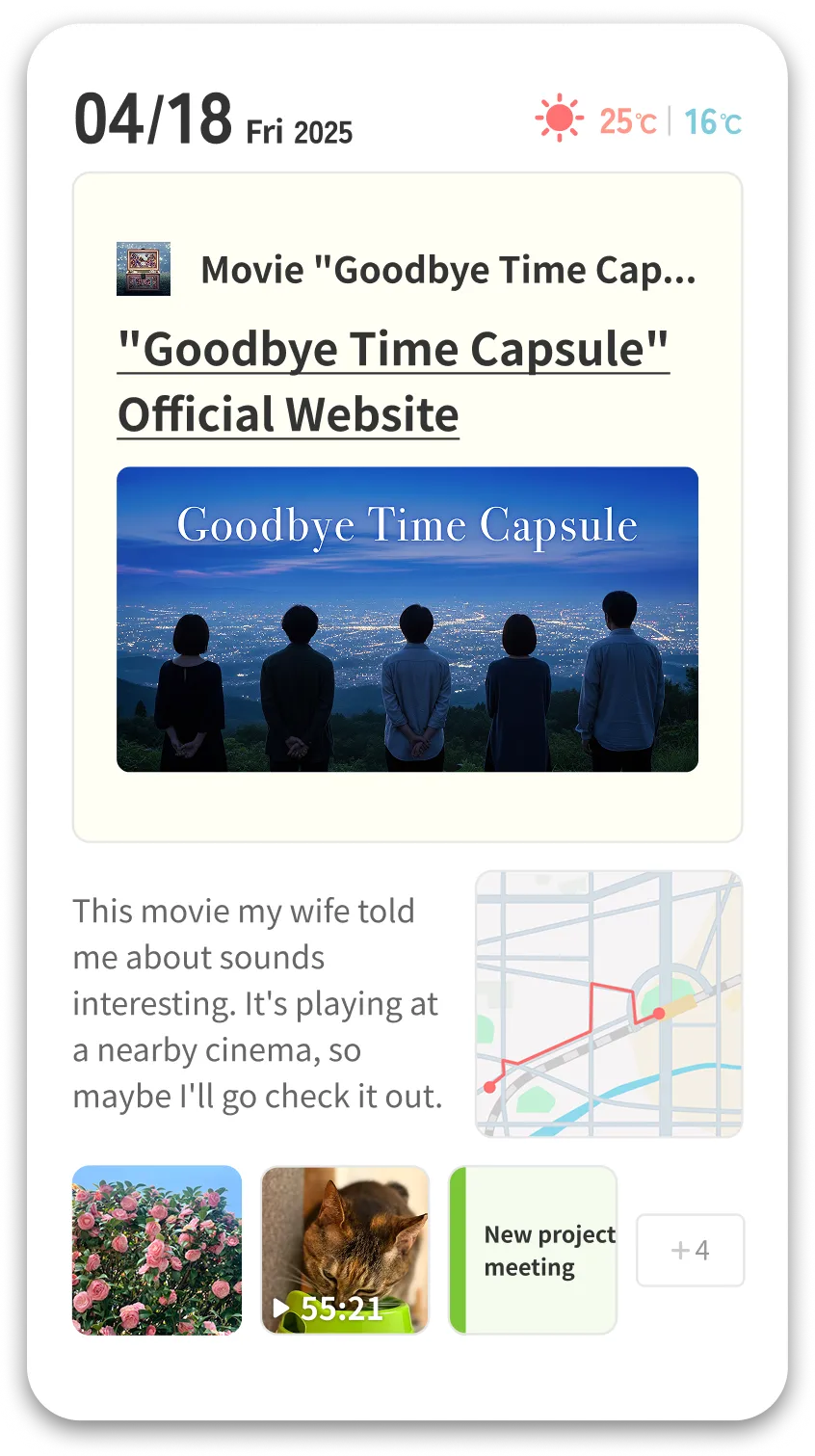
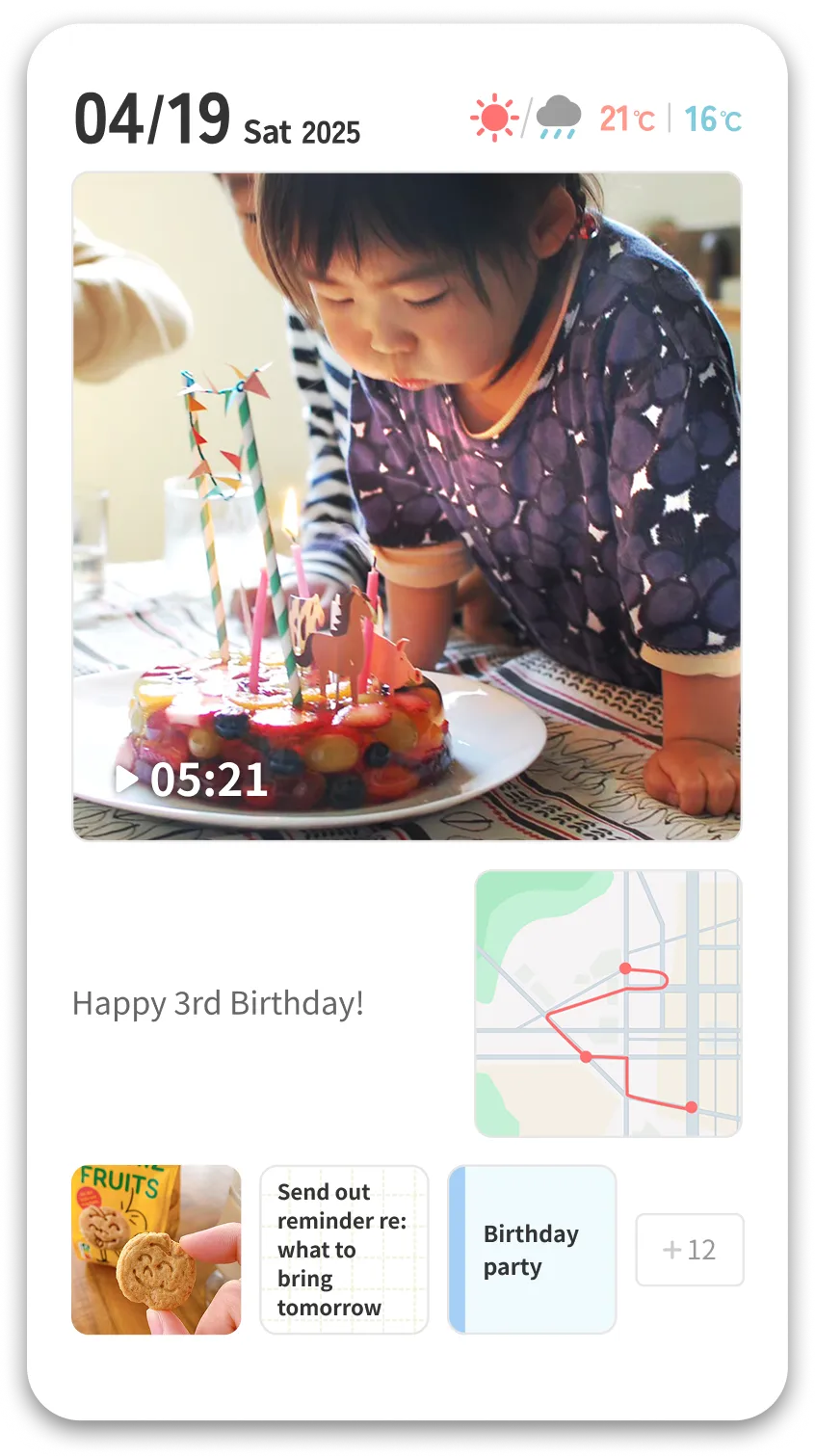
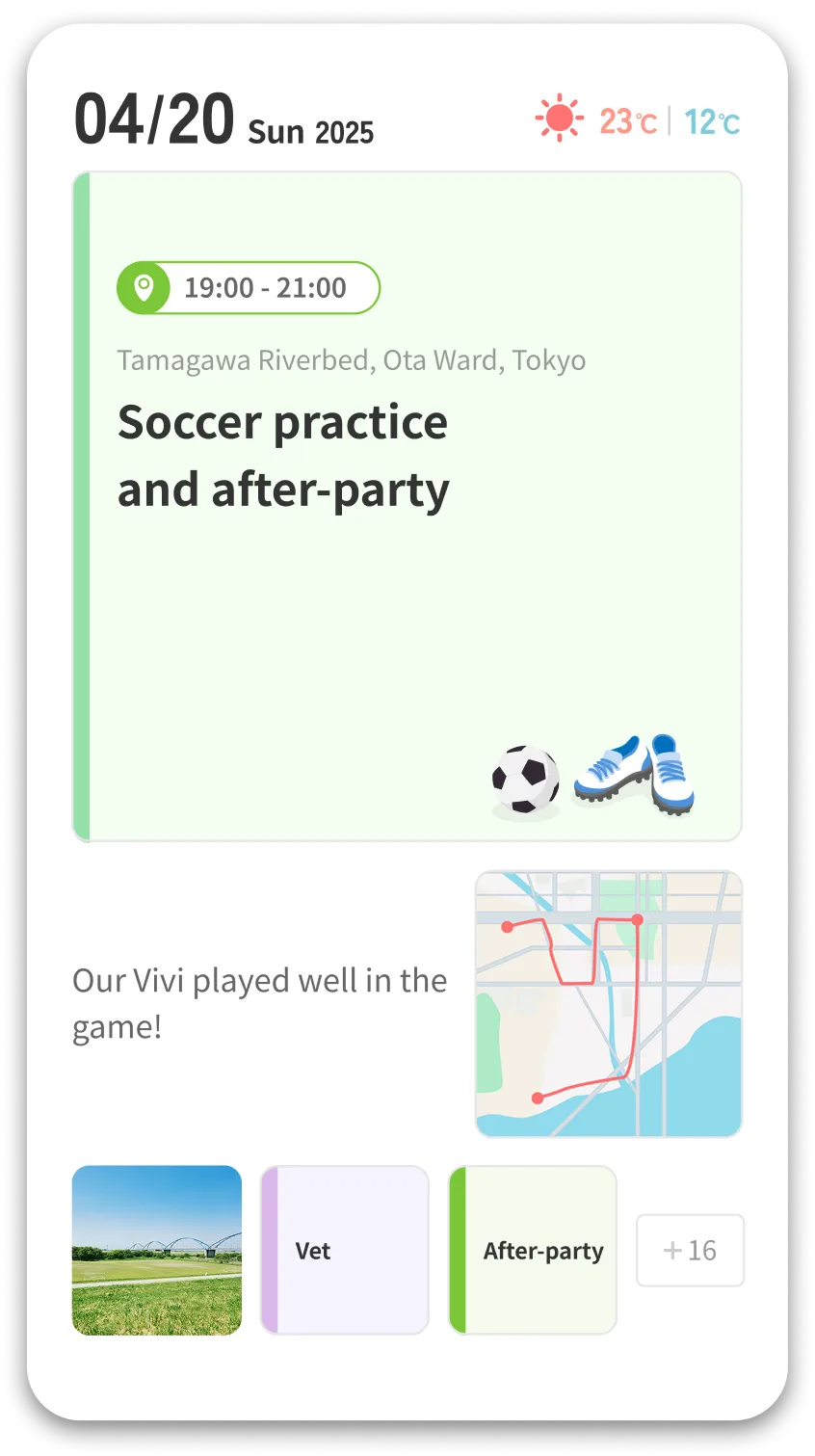
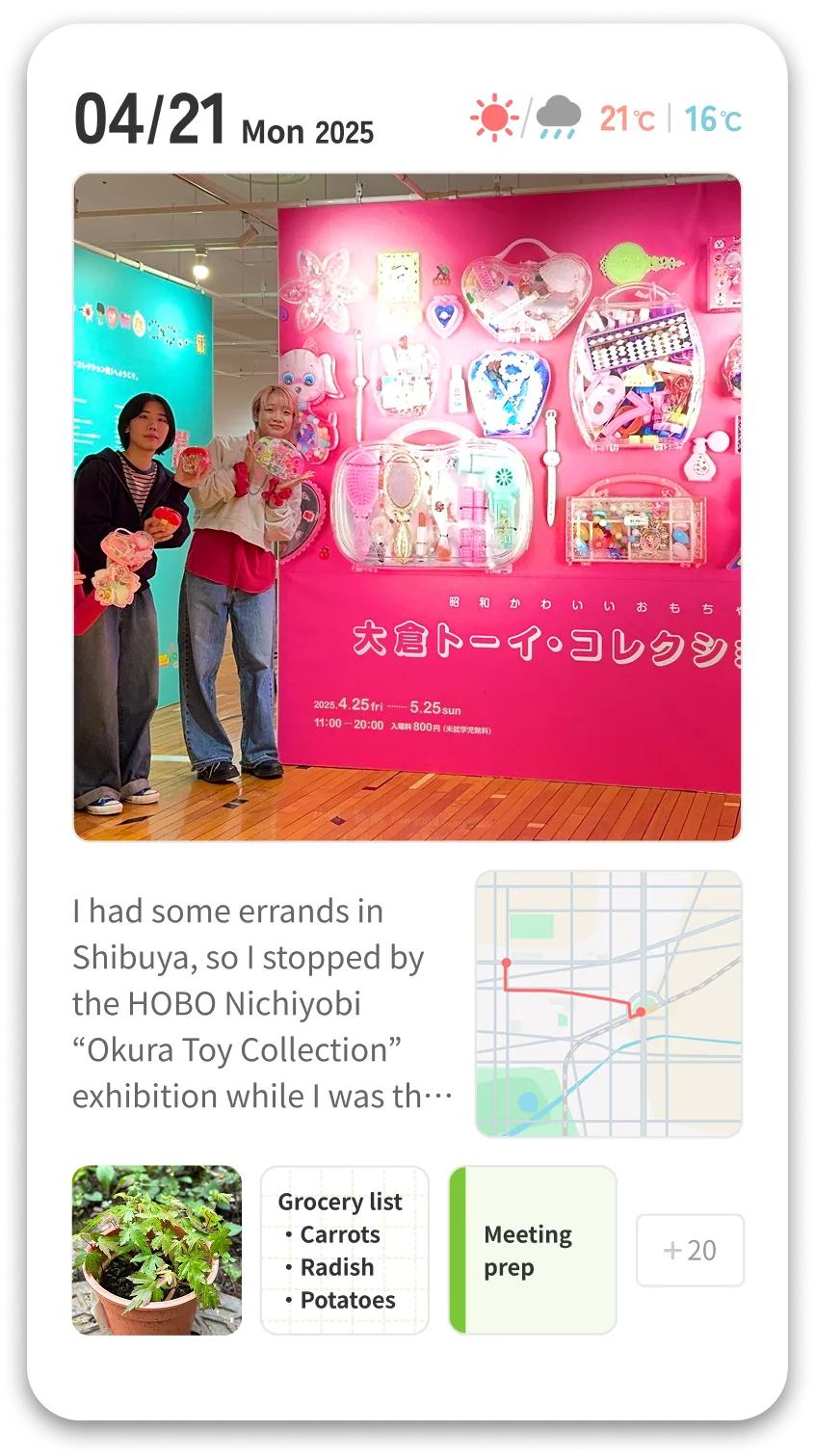
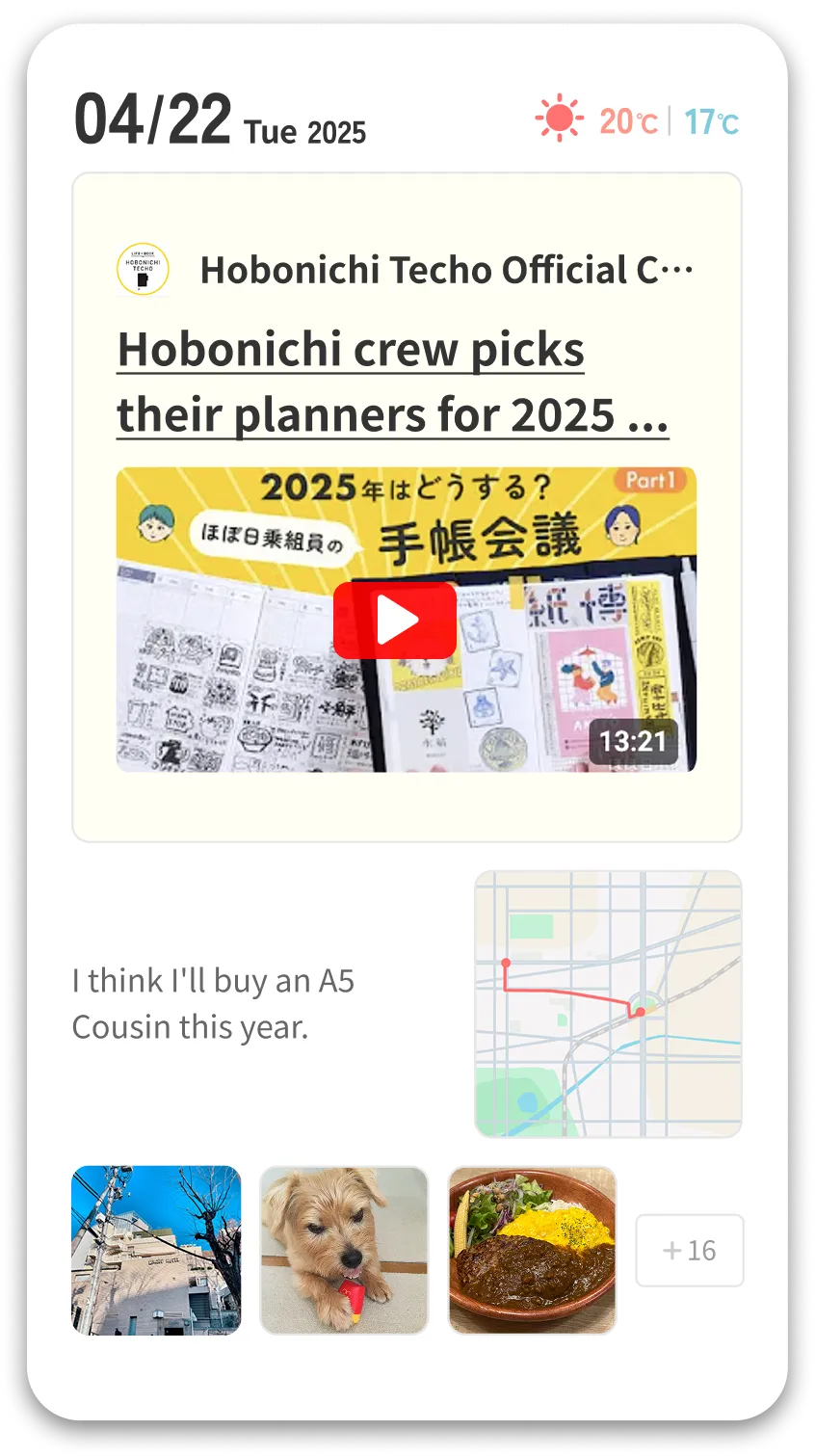
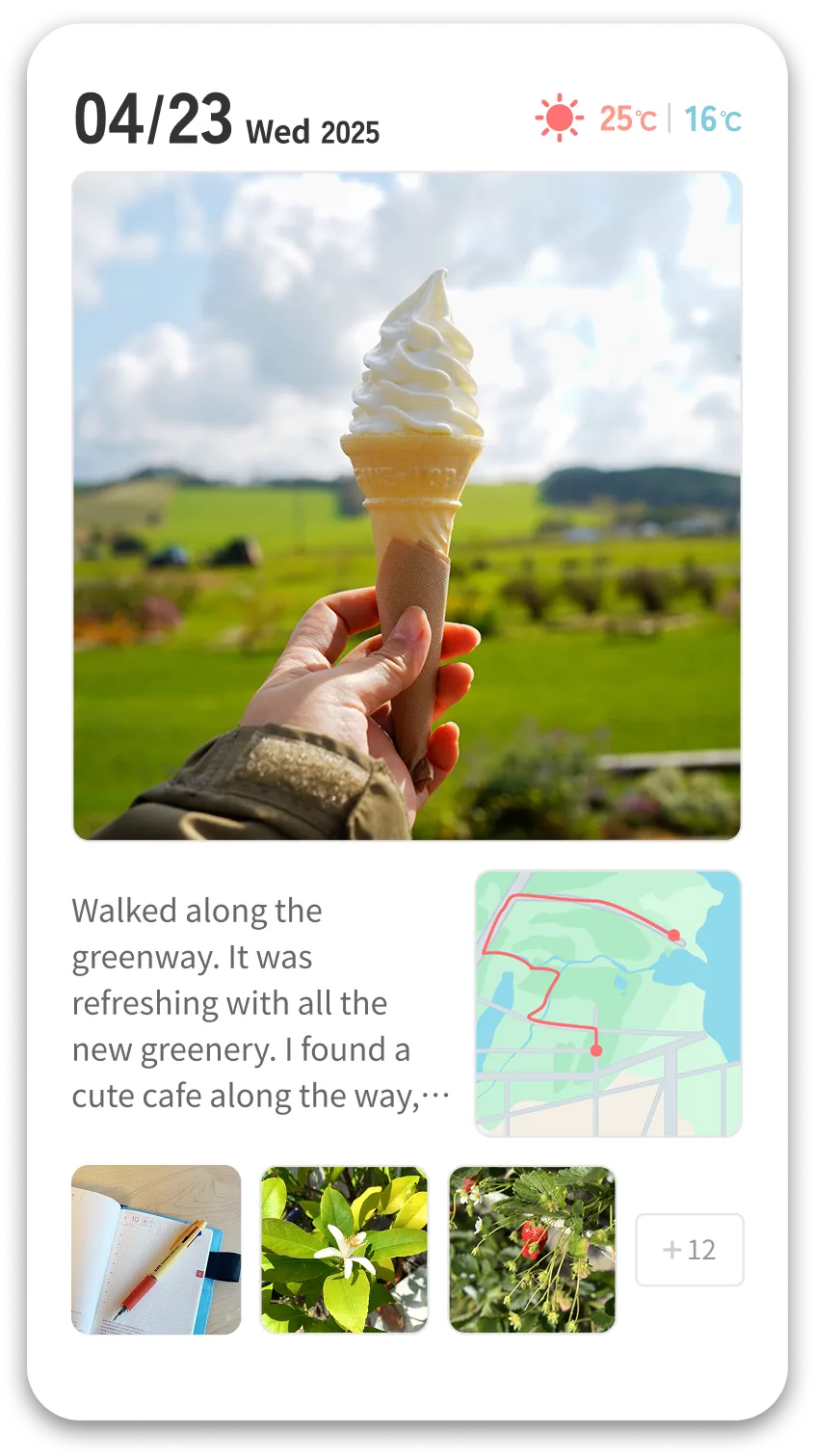
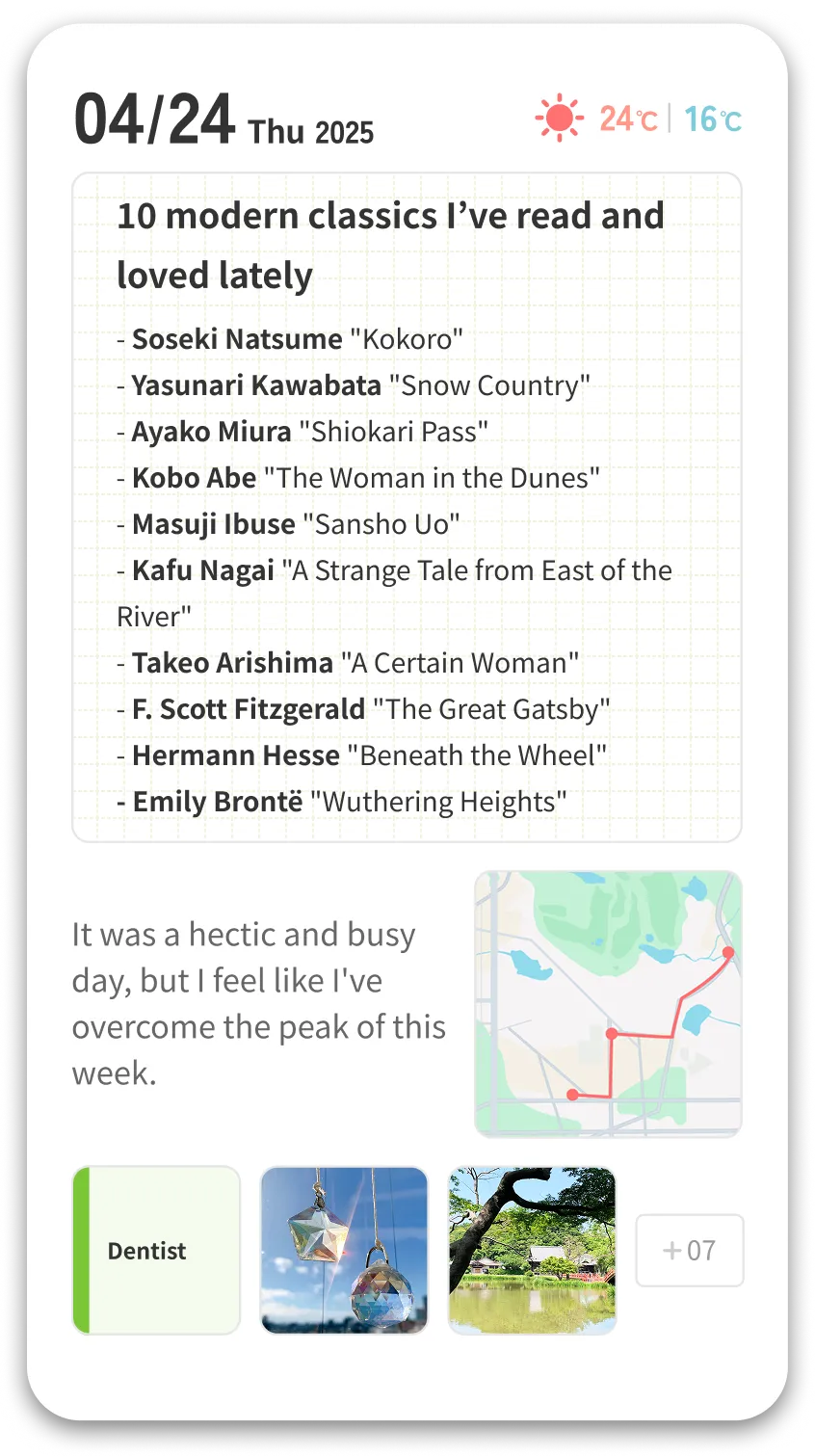
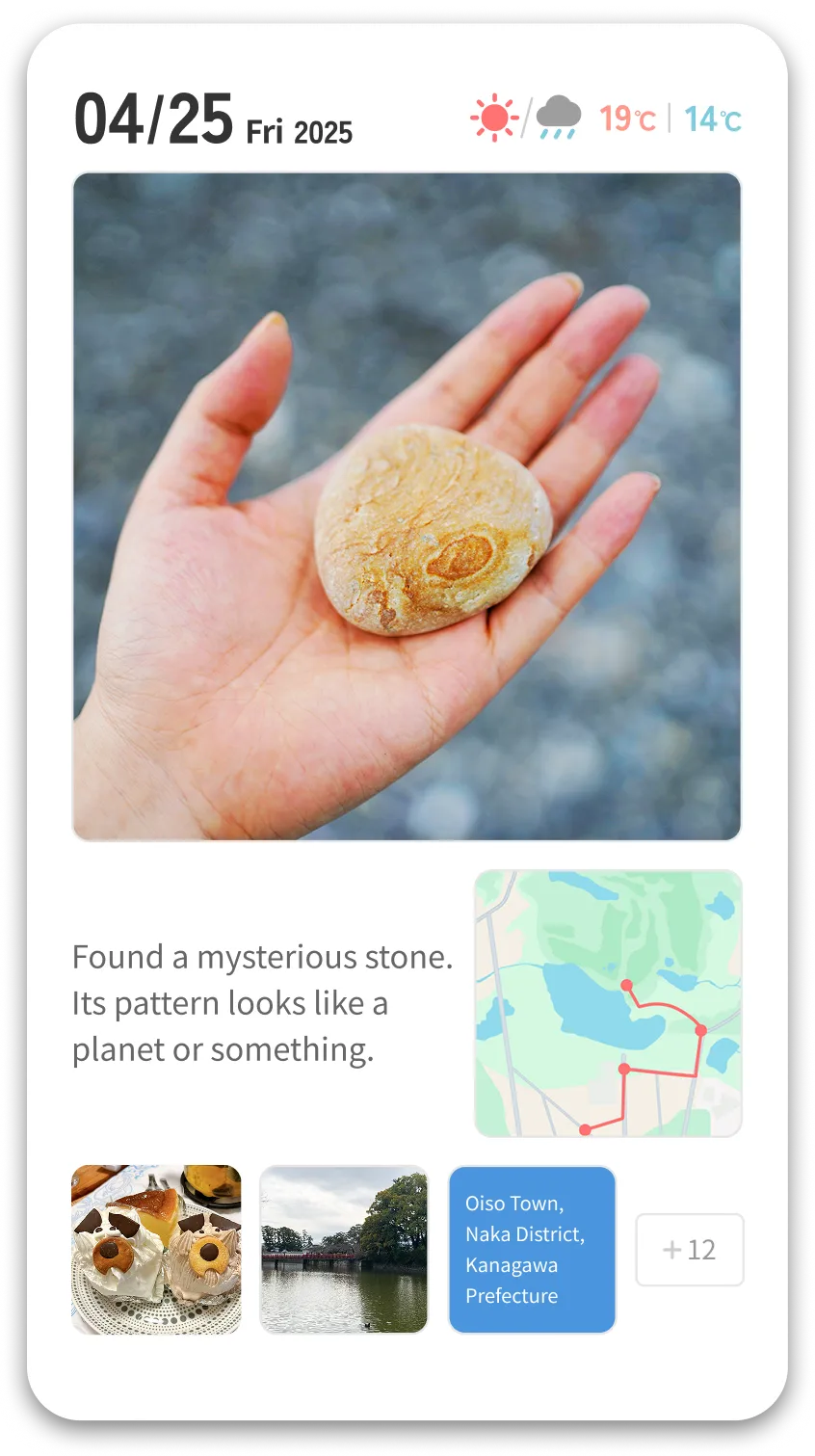
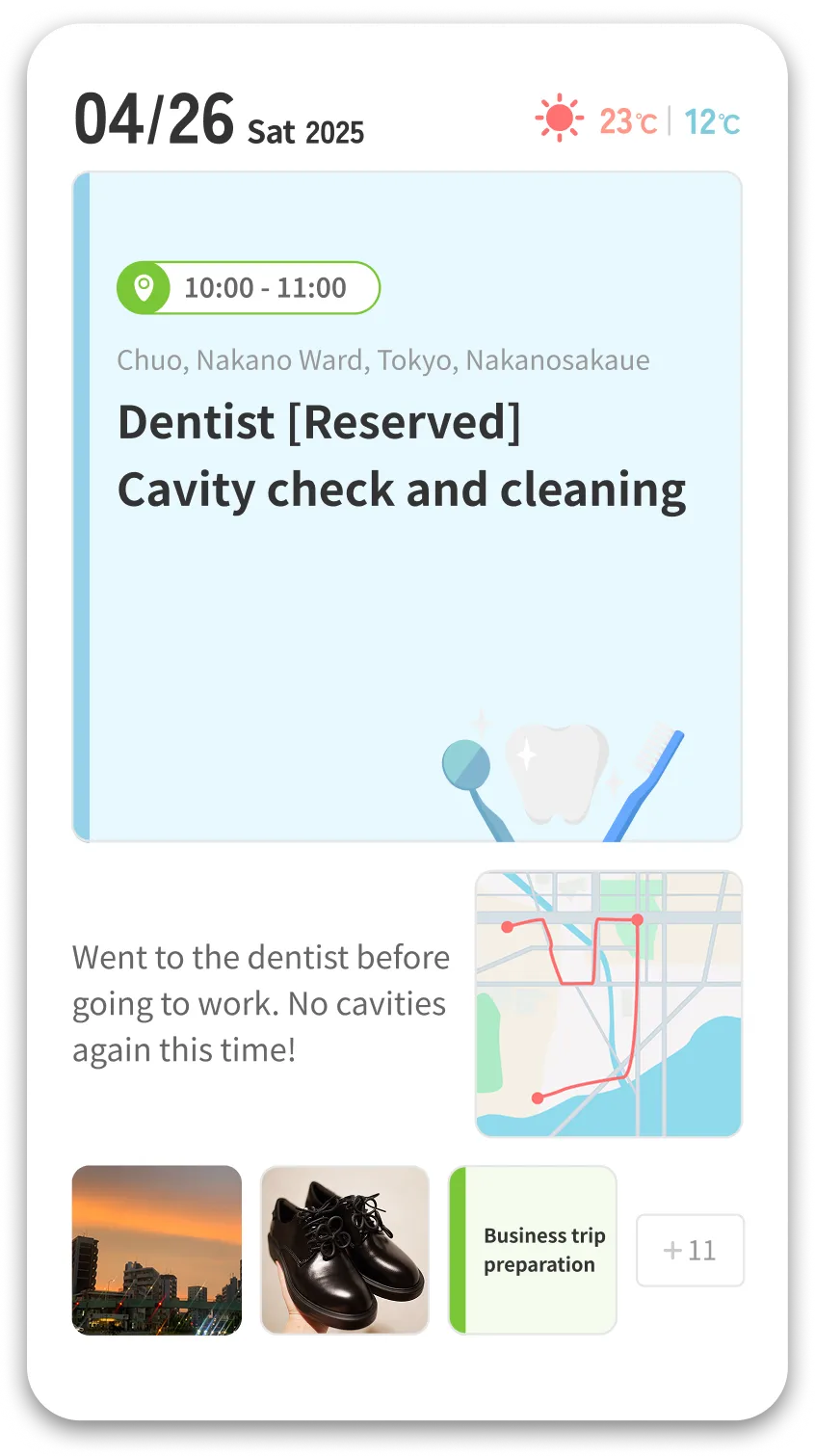
















All the little things your phone already keeps track of—like where you’ve been, the photos you’ve taken, and your schedule—are automatically gathered in the Hobonichi Techo App.
Even if you don’t remember every detail, just scrolling through your timeline helps you retrace your steps from the day.

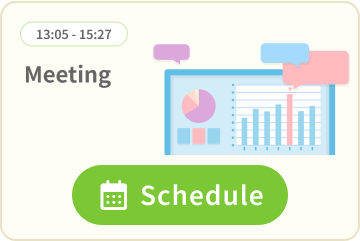



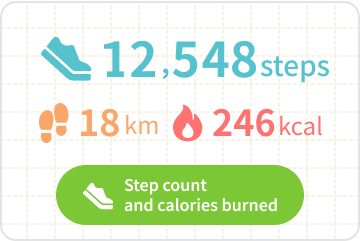

From your timeline of daily moments, pick one item to clip as Today’s Cover.
It could be a photo, an event, a note, or a place you visited—anything goes.
Choosing just one each day creates a personalized Life Book you’ll enjoy looking back on later.

Since you always have your smartphone with you, you can take notes anytime, anywhere.
Ideas that pop into your head, a shop a friend recommends, a website or video you want to check out—whatever you discover that day, you can save it all.
With the tagging feature, it’s easy to organize and revisit your notes later.
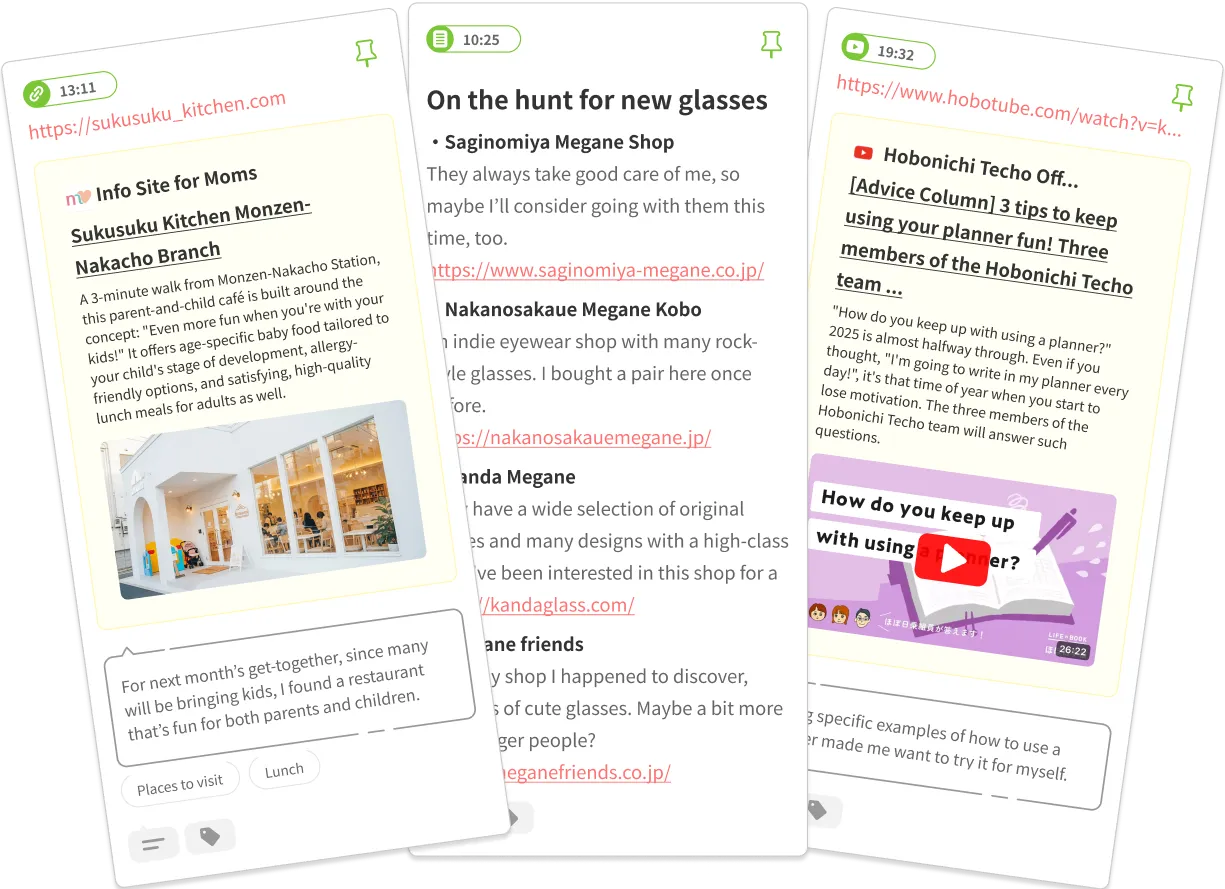


With the “Memory Print” feature, you can select photos or other moments clipped as Today’s Cover and print them out. The prints are sized to fit your Hobonichi Techo, making it easy and fun to decorate your pages. They’re also perfect for albums or scrapbooks. Just choose the memory and the size, and you’re ready to go—print at home or at a nearby print shop.


Anyone who shops at the Hobonichi Online Store or at Tobichi (Tokyo/Kyoto) during this period will receive a ticket to try the Memory Print feature five times for free!
This offer is also available to international customers, so don’t miss the chance to shop with Hobonichi and enjoy this special bonus.

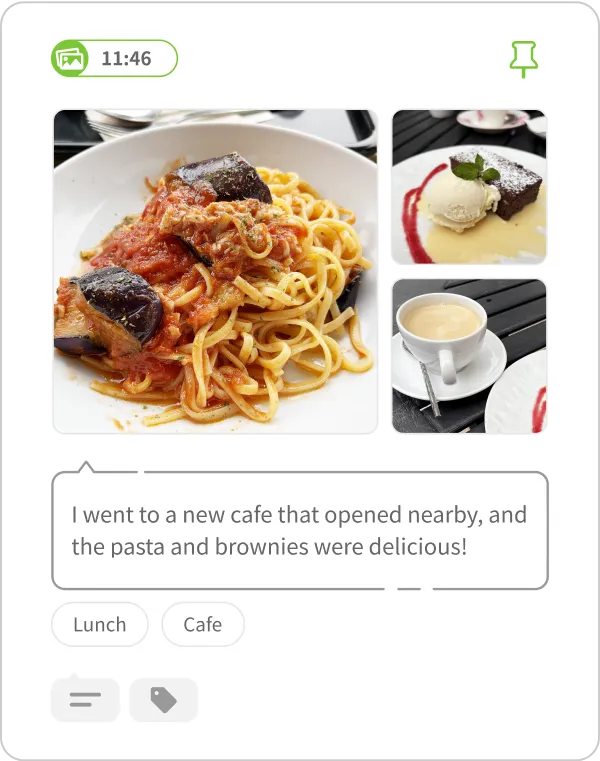
You can add comments to entries in your timeline and use tags to group them—making it easier to look back on specific moments.
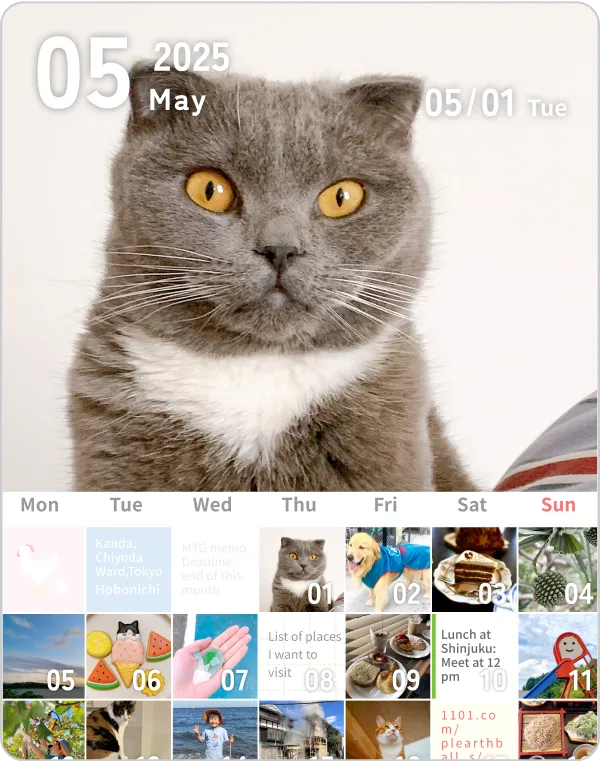
Enjoy reviewing your memories with a monthly calendar or slideshow view, featuring one clipped moment per day.
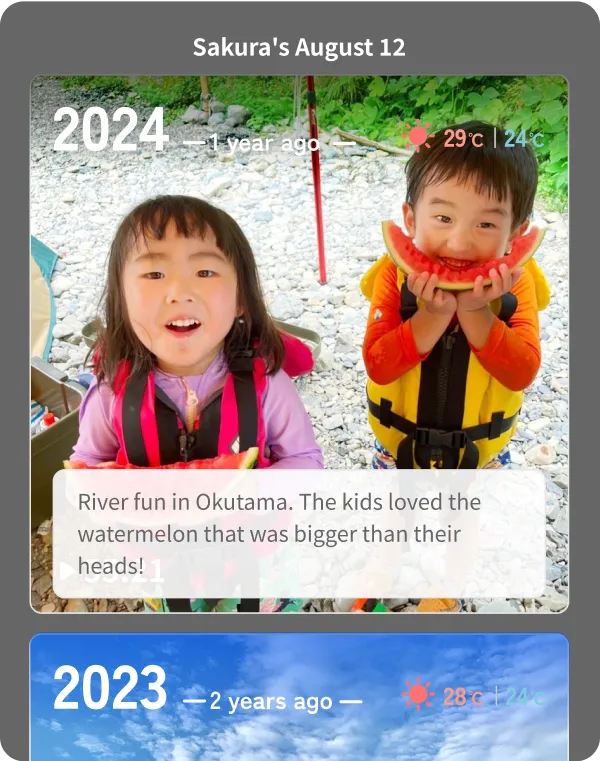
Your timeline for today will also show entries from the same date in past years so you can reflect on seasonal changes, repeated events, or how your days have evolved over time.
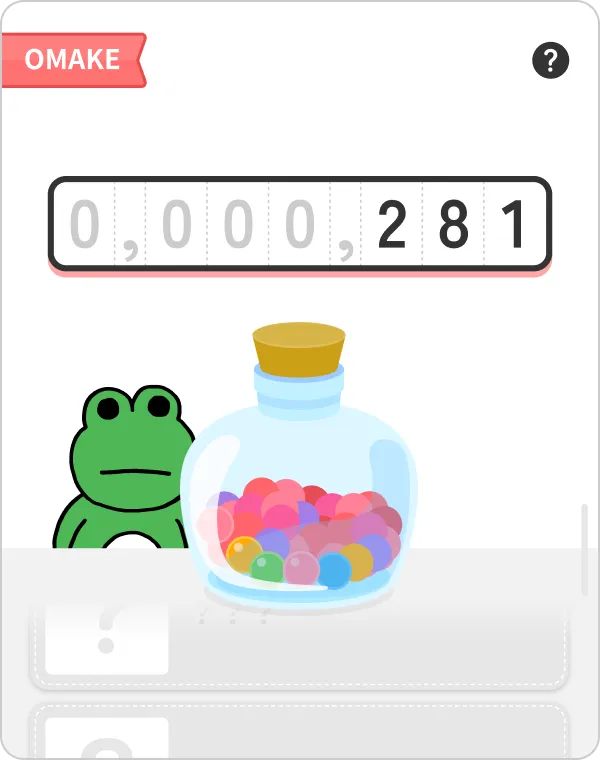
As you use the Hobonichi Techo App, you’ll earn cute little "Omake" rewards in various situations. Collect them and see what happens when they add up!
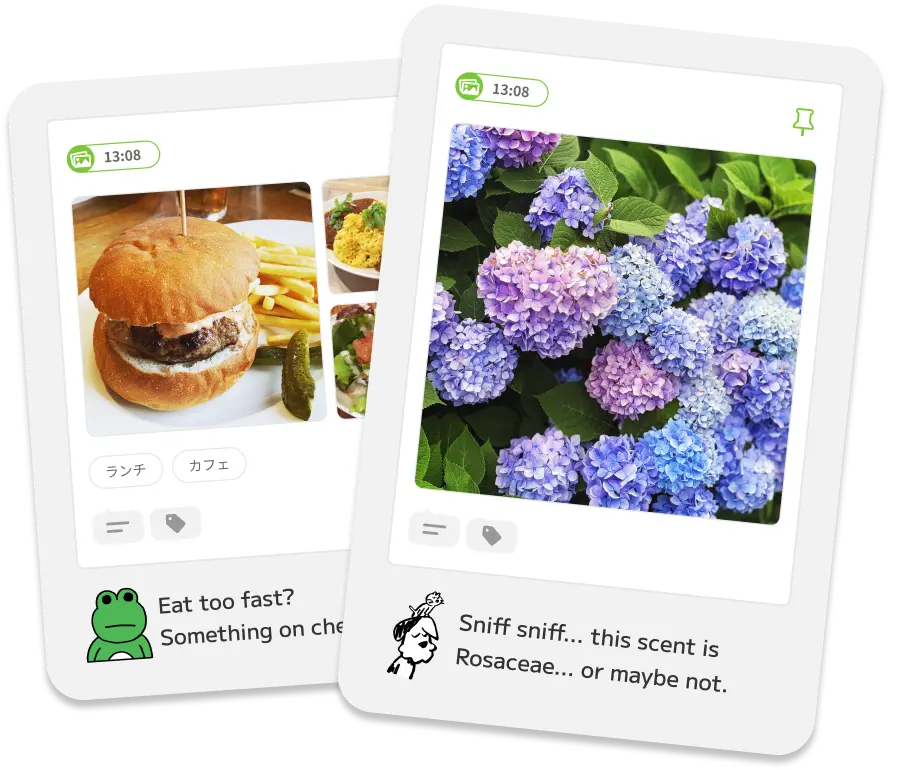
When you open the app, your Senpai is there to greet you.
Senpai's lines are created with Hobonichi's original "Handmade AI (Human-Powered 'Thought' Intelligence)." They’ll leave comments on your entries, cheer you on, and share their thoughts. That said, since it's not true artificial intelligence, expect some wonderfully random and completely unrelated comments from time to time! With their daily chatter, you’ll soon find yourself growing attached.
Start by choosing your favorite from three Senpai characters.




I'm Barky, and that's Meowie on my head. Dog lovers, cat lovers, and head-top lovers should choose us! Well, "should" might be too strong a word.
Designed by SANDER STUDIO



Froggo is name. Froggo the frog. Not good at talking, but Froggo will do best if you pick Froggo, ribbit.
Designed by Momoe Narazaki

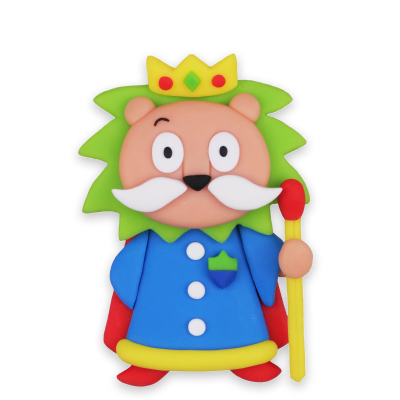
I am Kingie, the king of Kneadia Kingdom. Why I decided to be your Senpai, and where Kneadia Kingdom is... That's for me to know and you to find out.
Designed by Yuka Morii

The Hobonichi Techo App automatically records your day to the timeline, so you can easily look back and write in your planner at your own pace. It’s also handy when catching up on several days at once.
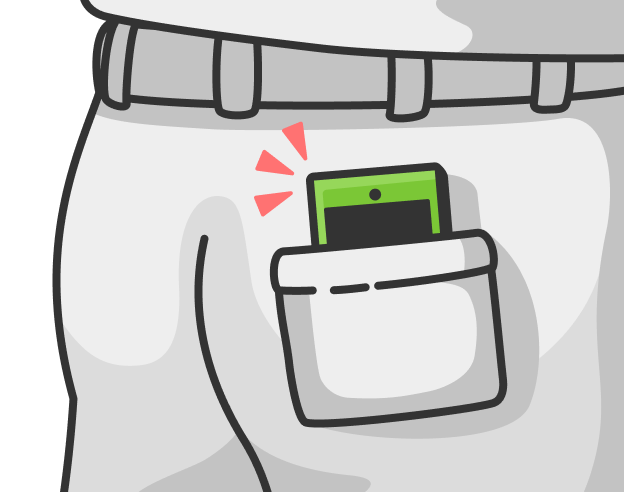
The app remembers your daily life for you, so even if journaling isn’t your strong suit, you’ll be fine. Great for anyone who’s wanted to try keeping a diary but wasn’t sure they could keep it up.
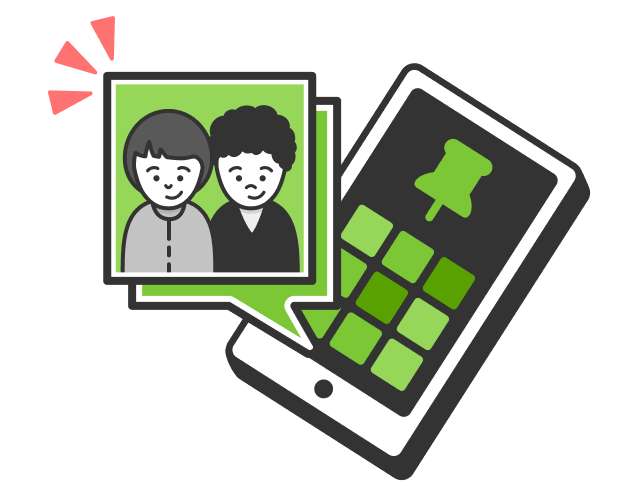
With more and more photos and videos piling up in your camera roll, simply choose one favorite each day using the app to build a casual, personalized album with ease.


Subscribe to the Premium Plan to unlock extra features.
You’ll be able to upload all your photos and videos to the cloud, use
the Memory Print feature as much as you like, and enjoy a more fun
and secure journaling experience.

Even on ordinary days, I’d take a photo of a small moment and jot down a note. That alone made me a little happy. I didn’t need to share it with anyone—just for myself was enough. I thought it might make me stop writing in my techo, but I was surprised to find I still had plenty of other things to write about.

Data like photos of play, work-related activities, and even distance traveled are automatically shown in the app. It gives you the impression that “when all’s said and done, I’m doing so much!” Looking back on the notes brought my gradual, little-by-little progress into view and made me feel like I was nurturing myself and growing.

I’d personally like to promote the easy-to-use memo feature. All you do is, press the ‘+’ mark, write a note, and post. You don’t need to worry about if it’s unfinished or anything, just post. You can add additional comments right away whenever you feel like it, just like a regular paper techo too. Or don’t, that’s totally fine as well.

Without doing anything, my footsteps are remembered for me. The places I visit are recorded, to be recalled for years, and linked with photos and even the day’s weather. It’s like an app from my dreams.

This app is a real treat for anyone who’s a little lazy—or who struggles to keep up with a traditional diary. Take photos of every meal, and you’ve got yourself a food journal. Take one selfie a day, and suddenly it’s a fashion diary. It makes taking photos feel fun and meaningful.

It came as a surprise, but even though this app logs so many things automatically, I found myself taking photos of the day for the app. It might be pretty good. It might be fun.

In my reading log, I usually print and stick in the cover of the book I read that day. This app makes that whole process so much easier, which I love. When I finish a book, I can set a photo of the book as Today’s Cover, add a short comment, and just like that—it should make it easier to not forget to write.

Photos we post on social media tend to show the version of ourselves we’re happy for others to see, or images we want people to look at. But the photos you choose in this app are simply the ones that matter to you. Moments that don’t need to be understood by anyone else, but are still precious. It made me realize that this way of keeping memories was something I’d been missing.

During the week, I jot things down on the train during my commute. On weekends, I look back through the app and write in my techo. It’s easy to record a few words each day while I’m on the train, and on my days off, those little notes help memories come flooding back—making my techo much easier to fill. As the entries pile up, I find myself thinking about how much more fun it’ll be next year, and the year after that. I was tapping away on the train today too.

I’m not a very digitally savvy person, and I usually get bored quickly, but with the Senpai supporting me during the onboarding tutorial, I was able to understand how to use the app. It felt like even if I didn’t completely dedicate myself to it, I could still continue using it. I really liked Barky and Meowie’s laid-back vibe—it felt just like talking to a friend.

Illustrations of my favorite character are posted on X every day. I just download them, and they automatically get stored in the Hobonichi Techo App. The images look even cuter in the app than on X because of the size—so adorable!

With just one tap, you’re taken to the original article the Daily Quotes come from—how convenient! There are moments when I realize, “oh, I never read this interview,” and before I know it, I’m smoothly on the page. Thanks to that, I’ve had more encounters with new reading, and even more fun along the way.

Even if something doesn’t stay in your memory, or you’ve gone out without your techo, you can jot it down in the app and look back later to record it in your paper techo.

Thanks to the app, my commute has become a time to reflect on myself. With photos and location data being kept automatically, even if I accidentally forget what’s happened that day, the app remembers it for me.

I have a feeling it’ll get even more fun as more entries accumulate. It reminds me of the joy of filling up a 5-Year Techo.

Even I, the type of person who gives up the moment I tell myself “This year is the year I’ll keep a diary!”, can keep using this app. I particularly like that it has a bit of a game-like vibe.

You can find the answer to “What was I doing on that day?” in moments!

“My daughters volleyball match. One day, these burning tears of frustration, and this happiness will go on to support these girls. They’ve grown to love volleyball so much their emotions are exploding.” I can relive the feelings of each day along with the photos I took.

I was surprised to see that the photos I take in a day, when shown in the app, tell the story of my day. There’s a type of fun here that is different from the sentences and illustrations that fill a 5-Year Techo.

I’m taking more photos than I usually would. Things like what I’ve eaten, the scenery at a park I’ve walked to, and things. On days when I haven't taken a photo yet, I’ll use an image of the book I’m reading and add a comment.

Photos I’d normally never organize or revisit are automatically arranged into a one day per page timeline. With images registered by time, memories come back fresh and clear, making me want to keep using the app every day.

Seeing Today’s Cover each day brings back many different memories. I don’t exercise, so I made a promise to myself to walk as much as possible. Seeing my efforts bear fruit inside the app makes me really happy!

The app conveniently brings together your photos and the places you’ve visited—automatically, and without any extra effort. Choosing your own Today’s Cover from among them becomes a great opportunity to reflect on what kind of day it was for you.

It’s become my habit to pick Today’s Cover at the end of the day. I was happy to see ramen taking up so much of the selected covers when lined up on the monthly calendar view.

The app helped me take more photos, and choosing my Today’s Cover each day feels like I’m stamping the monthly calendar. Looking at it again makes me super happy!

Keeping up a diary in my Hobonichi Techo has become easier. Even if I end up with a few blank pages, looking back through the app gives me plenty of hints about what to write. Even if you’re more of an analog person, using the app alongside your techo is surprisingly handy.

I used to open lots of different apps to remember what I did whilst writing my diary, but now all I need is this!
I don’t usually manage to write in my techo every day, so I used to look back at photos on my phone and catch up on weekends. Ever since I started using the app, I have been able to record things while looking at my photos during little spare moments. I’m especially fond of the Senpai’s comments on the photos.
I wanted to record ordinary photos and small, passing thoughts—so this private app feels just right. It’s simple to use, which makes it easy to casually save those fleeting, everyday moments with a quick tap.
On Instagram, I choose photos with the thought of, “Would this be fun for other people to see?” Truly subjective moments rarely make it there. But with this app, I can notice when my heart moves just a little—and gently scoop up those small ripples and keep them.

The thing I like the most about the Hobonichi Techo App has to be the Senpai’s comments. Each comment feels casual, yet they’re properly funny—full of humor and little moments of insight. Above all, there’s a warmth to the words. I may work for Hobonichi, but I genuinely find myself thinking “this is amazing” whenever I open the app.

If you turn notifications on, the Senpai will send you a reminder on days you’ve forgotten to record anything. Sometimes, it’s nothing more than them calling your name—and that loose, easygoing feeling is something I personally really love.

Choosing a photo for Today’s Cover is something I really enjoy. When I make a point of picking one each day, all the photos line up on the monthly calendar page, and later on I can look back and think, “I had fun this month too.” That makes me really happy.

I love watching dramas, and whenever I hear a line that makes me think, “That’s so good!” I jot it down right away in the Hobonichi Techo App. By tagging it with the show’s title, it’s easy to look back on later—and surprisingly handy.
